
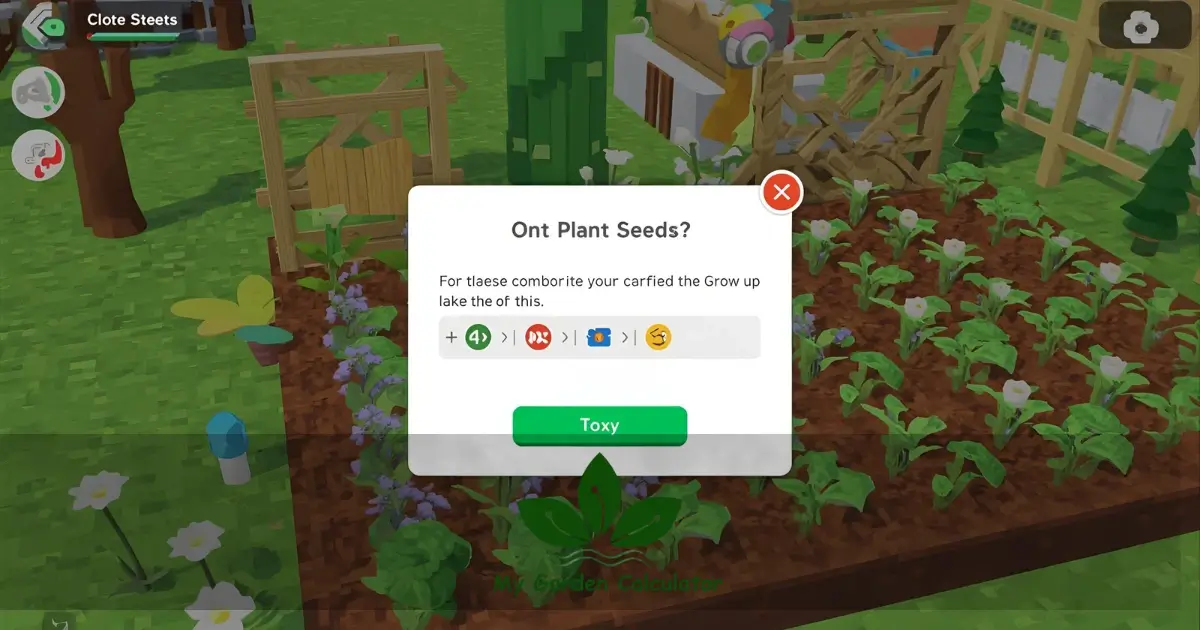
Want to solve the “can’t plant seeds” issue in your garden? Then follow this helpful guide.You have seeds in your inventory. The garden is empty; nothing happens when you click on the ground. Believe me, I’ve personally faced this situation hundreds of times, and the frustration is real.
I have been helping players for three years – across every platform, PC, mobile, and console and I can tell you that problems with planting seeds in Grow a Garden almost always have a few specific causes. The good news? Once you know what to look for, the solution is normally simple.
Why Seeds Don’t Germinate (Real Reasons)
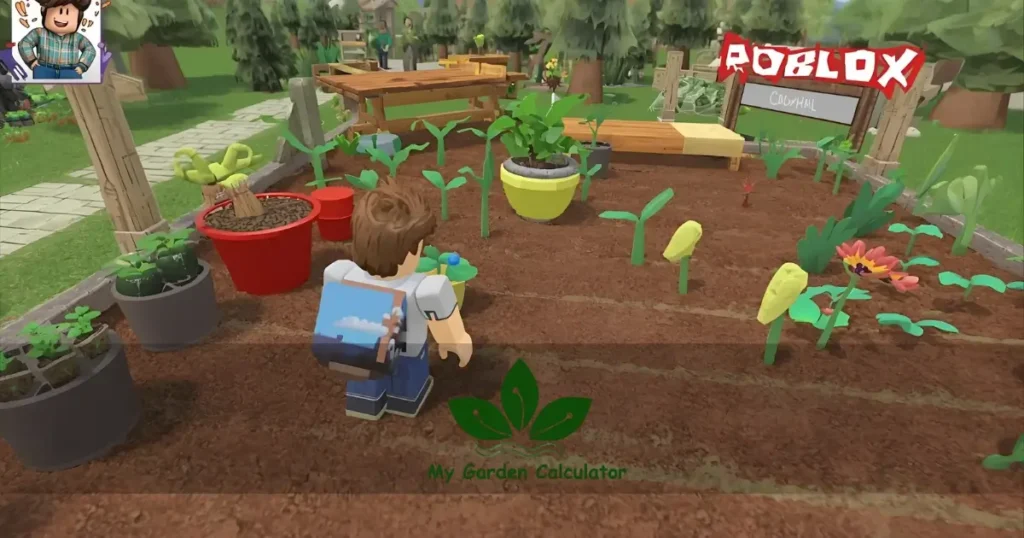
The guides most of you read give you generic solutions without explaining what the underlying mechanics are. That is the primary reason why players get stuck in these problems over and over again.
Grow a Garden’s planting system checks for specific conditions. If even one condition is not met, the whole process stops. No warning, no explanation—just a failed click.
Seven Most Common Problems and Solutions
1. Using the wrong tool (the biggest problem)
The number one reason is why seeds don’t germinate, and it happens to everyone at least once. You can’t plant seeds while holding a shovel. You can’t plant seeds while holding a watering can. Not even while holding any other type of seed. You must get ready the right method to plant seeds.
The Right Method to – Plant Seeds
- You can open your inventory first on (PC: press ‘E’; on mobile: tap the inventory button)
- Find the specific seeds that you want to plant in your garden.
- Place it on on your hotbar – in the numbered slots below.
- You can choose this hotbar slot.
- Now your character should look like it is holding a bag of seeds.
- Now you can click on the plot and apply it.
Important Note for Mobile Phone Players: If you tap on the seed icon and the seed does not equip, then you double tap on it or hold for a second. Sometimes the phone lags.
Plot Isn’t Actually Plantable
In the grow A Garden game, not all the grounds are ready to accept seeds. This is because the game differentiates between real farming plots and decorative terrain. Below i mention the right or wrong surfaces.
Valid planting surfaces:
- Plots of potted soil (with a dark brown square grid pattern)
- You can purchase a garden plot from the shop.
- Plot the expansions You’ve unlocked it through progression
- Specific farming zones within your personal garden
Invalid planting surfaces:
- Regular grass (even if it looks flat and empty)
- Pathways and decorative stones
- Water features or pond edges
- Areas outside of your plot boundaries
Differences in visual appearance can be fine, especially on mobile devices or with lower graphics settings. The soil color of tilled plots tends to be a bit darker, and the grid pattern is distinct.
If you are in doubt about whether a spot is plantable, then you must try shoveling on it first. Once the shovel has worked and tilled the soil, that place can be planted. Terrain that doesn’t do anything is decorative.
3. Plot Already Occupied (The Invisible Crop Problem)
It is difficult because it is not always clear.
Even if the plot appears empty, it can still be distracting.
- Wilted or dead crops that have not been cleaned
- Unseen plants are left behind after using the Reclaimer tool.
- Due to server lag, the visual of crops failed to load.
- Bugged plant states from previous game sessions.
The Reclaimer tool is specifically infamous for this. The game does not clear the plot data sometimes when you reclaim a a plant. Plots look empty visually. Is it in the game’s memory? It still has a registered crop on it.
How to fix it:
- Equip your shovel
- Click on the “empty” plot several times
- Watch for any clearing animations or debris particles
- If something gets cleared, that was your invisible blocker
- Now try planting again
Some plots require tapping and holding on mobile devices to clear. It may not be possible to clear with a quick tap.
4. Inventory and Hotbar Issues
To plant a seed in your garden, you need a certain state in your inventory system. Planting fails if the seeds exist in your storage but are not properly accessible to your toolbar.
Common inventory problems:
- Seeds stuck in general storage instead of active inventory
- Hotbar slots full, stop seed selection
- The seeds that you get through trading have not completely registered in your account.
- Duplicate seed packets are the reason for selection conflicts.
To verify that your seeds are properly accessible:
- Open your full inventory (not just the hotbar).
- Find your seeds packets. They should have quantity numbers
- Drag them to an empty hotbar slot manually
- Close the inventory and select that hotbar number
- You cannot hold the seed packet if the inventory doesn’t sync
Inventory sync fix: Rejoin the server. This forces your account data to refresh. About 70% of inventory-related planting issues are resolved with a simple server rejoin.
5. Server-Side Issues and Lag
Grow a Garden runs on Roblox’s server infrastructure, and sometimes those servers struggle. Anytime the Roblox server performance degrades, planting actions get delayed or dropped completely.
Signs you’re experiencing server lag:
- Your planting clicks work, but the crops appear 5-10 seconds later.
- Other players are teleporting or moving erratically.
- Your water animations are stuttering.
- There is a noticeable delay in plot interactions.
You shouldn’t mistake server lag for a failed planting – it’s merely a queued action that’s waiting for processing. It is common for players to click multiple times, which can cause conflicting commands.
How to handle laggy servers:
- Click once to plant, then wait a full 10 seconds.
- Don’t spam to click on the plot. This cancels the pending action.
- Check the server player count – servers with more than 20 players often lag.
- Switch to a lower-population server if lag is maintained.
The sweet spot on the servers is always on my mind. 8-15 players normally means stable performance with enough activity to make trading viable. More than 25 players? During peak planting hours, expect a lag.
6. Level Restrictions and Seed Requirements
It is not always clear from the shop interface which seeds have hidden requirements.
Restricted seed types:
- Exclusive seeds are only available during certain seasonal events.
- The seeds are level-locked (you need players at levels 10, 15, 20, etc.)
- Those seeds that require a gamepass (requires a gamepass purchase)
- Some seeds you get after some achievement, and after the achievement is unlocked.
- The game won’t allow you to plant seeds you don’t meet the requirements for, but the error handling is terrible. It just doesn’t plant. No message, no explanation.
Checking seed requirements:
- Hover over the seed in your inventory (PC) or long-press (mobile).
- In the description you can lock any red text or lock icons.
- Check the in-game shop for that seed’s full listing.
- Community wikis often document level requirements, but the game doesn’t show them.
The seeds that you have gotten through trade from a top level player may not yet be usable. Players can easily store them in your inventory until the requirements are met, but they won’t plant until then.
7. Plot Space and Garden Capacity Limits
Each player has a maximum number of crops they can grow at once. This limit increases with level progression and certain purchases. You are blocked from planting new crops at the point of reaching your crop capacity limit.
Finding your capacity:
- Count your currently growing crops (including trees, flowers, and everything).
- Check your level-based capacity in the progression menu.
- Compare plants vs. maximum.
- If they match, you’re at a cap
Crops can be harvested in order to free up space, or the capacity can be increased by leveling up. It is surprising how many players don’t realize that their decorative trees and flowers count as part of this limit.
Plot-specific capacity: Some individual plots have plant density limits. You might have overall garden capacity remaining. But a certain plot section might be maxed out. You can try planting in another zone of the plot.
Advanced Troubleshooting: When Basic Fixes Don’t Work
You’ve checked your tools. You’ve verified your plots. You’ve rejoined the servers. And you still can’t plant. This is where we get into the deep fixes.
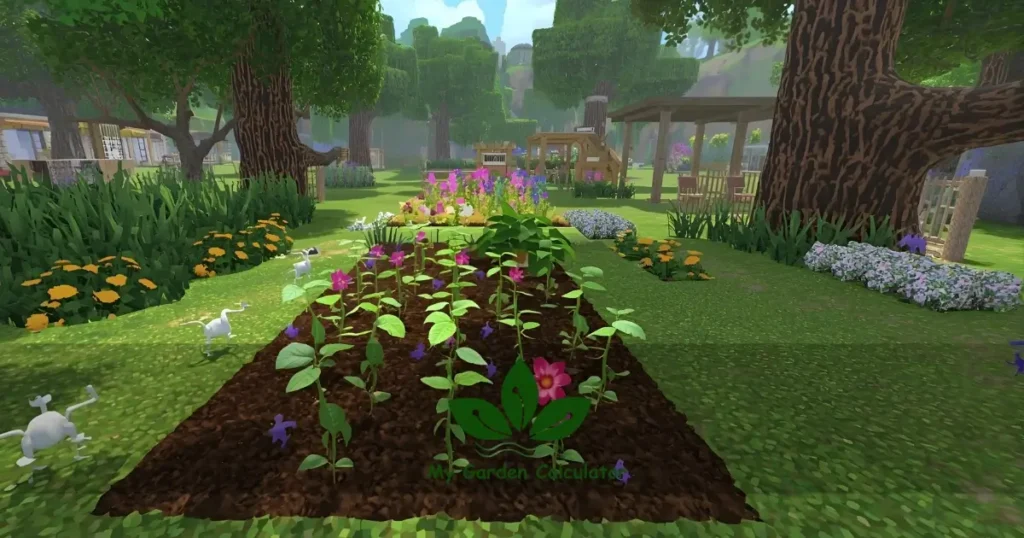
The Camera Perspective Issue
Some devices respond differently to camera angle, something community members discovered and barely documented anywhere.
- First-person vs. third-person planting:
- Some players report planting works in third-person but fails in first-person.
- Mobile players sometimes need to zoom out to trigger plot interactions.
- The detection of plots can be disrupted by extreme camera angles (too high or too low).
Here’s what you can do if you’re stuck:
- Press “C” on PC to switch between first-person and third-person views.
- You addjust your camera so that it is roughly 45 degrees above your character.
- Zoom in closer or further out.
- Rotate your camera to approach the plot from different angles.
Some players have told me this fixed their issues after trying everything else. Sometimes, it matters, but it shouldn’t.
The Nuclear Option: Full Reset Proces
When you feel like you’ve tried everything and everything has failed, then you need to follow this step by step plant seeds reset process, which has about a 96% success rate:
- Harvest or clear everything: Remove all plants, even decorative ones
- Empty your entire hotbar: Unequip every tool
- Leave the game completely: Exit to Roblox home
- Clear Roblox cache (mobile only):
On iOS Devices: Settings > General > iPhone Storage > Roblox > Delete App (reinstall after)
On Android Devices: Settings > Apps > Roblox > Storage > Clear Cache
- Restart your device: Full power cycle
- Rejoin a different server: Don’t just rejoin the same one
- Start with one seed type: Test with the most basic seed you own
All of these steps force the entire system to refresh. It almost kills every issue, but when you’re desperate, it works.
Checking for Known Bugs
Grow a Garden Roblox game updates frequently, and sometimes updates come with seed planting bugs. The community of Roblox normally identifies these within hours because the Roblox community is very big.
Where to check for current bugs:
- Join the official Discord servers or my Discord servers.
- Community on Reddit (r/RobloxGrowAGarden).
- Recent reviews on the game page.
- Social media posts mention the game.
Planting will always be broken for everyone if it is broken for everyone. If it’s just you, the problem is likely one of the issues covered earlier in this guide.
Within 24 to 48 hours, developers normally patch game breaking bug. Sometimes the solution is patience.
Prevention: Keep Your Garden Plant-Ready
After you have fixed your planting problems. Please always maintain your garden with these habits:
Daily Maintenance:
- First clear harvested crops immediately (don’t allow plots to sit “empty” with invisible remnants).
- Organize your hotbar with frequently used tools.
- Plants that are dead or withered should be harvested before they corrupt plot data.
- It is recommended that you join the server every 2-3 hours during long sessions to refresh the game state.
Tool management:
- Always return to your default tool (empty hand or shovel) between planting sessions
- Don’t quickly switch between tools and give a second to the game register each change
- Keep your 2 to 3 hotbar slots empty all the time to collect new seeds.
Inventory hygiene:
- Store seeds according to their type
- Don’t hoard massive quantities of single seed types (200+ of one seed can cause lag).
- The seeds that you are not using, periodically sell or trade excess seeds.
- For fast access, keep you active planting seeds in hotbar slots 1 to 4.
Final Thoughts: Getting Back to Farming
It is a very frustrating issue to can’t plant seeds in growing a garden. But maybe it’s rarely permanent. These are the result of simple misunderstandings of game mechanics or temporary or technical difficulties.
Start with the basics, such as tool selection, plot validity, and inventory verification. It is likely that these three factors will solve 80% of all planting problems. When basic fixes fail, move on to advanced troubleshooting.
The most important step is not to panic-click. The game’s interaction system needs a moment to process each action. It works better to use patient, deliberate inputs rather than frantic spamming. Now you have the solution, and you are planting within minutes; your garden is waiting. When you have fixed the problem, you will immediately recognize it if it ever happens again.
Now get out there and start growing. Use our GAG calculator for plant value calculation.